
Intuitive Visual Editor
Our intuitive visual editor puts website editing in your hands. Easily take control with drag and drop and click to edit features.
Change colors, fonts, images, layouts, and content with confidence. Visualize your updates as you edit on the front end without ever needing to touch a line of code. If you can edit a document, then you can edit your website with the visual editor.
With DesignHoot, website editing is made easy.
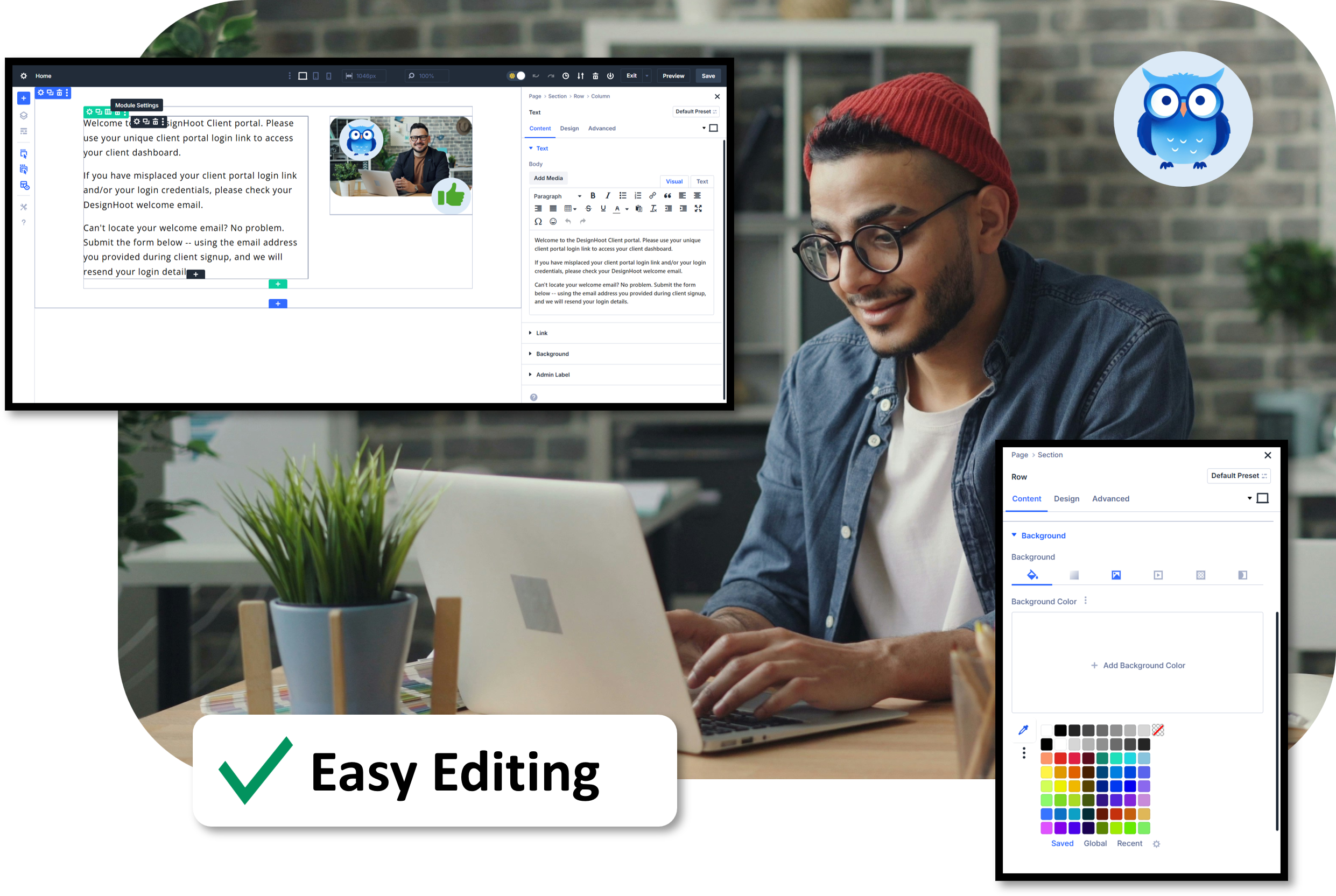
Front End Visual Editing
The Visual Editor is designed to let you edit your web content from the front end. It’s as easy as the click of a button to open the visual editor from one of your webpages.

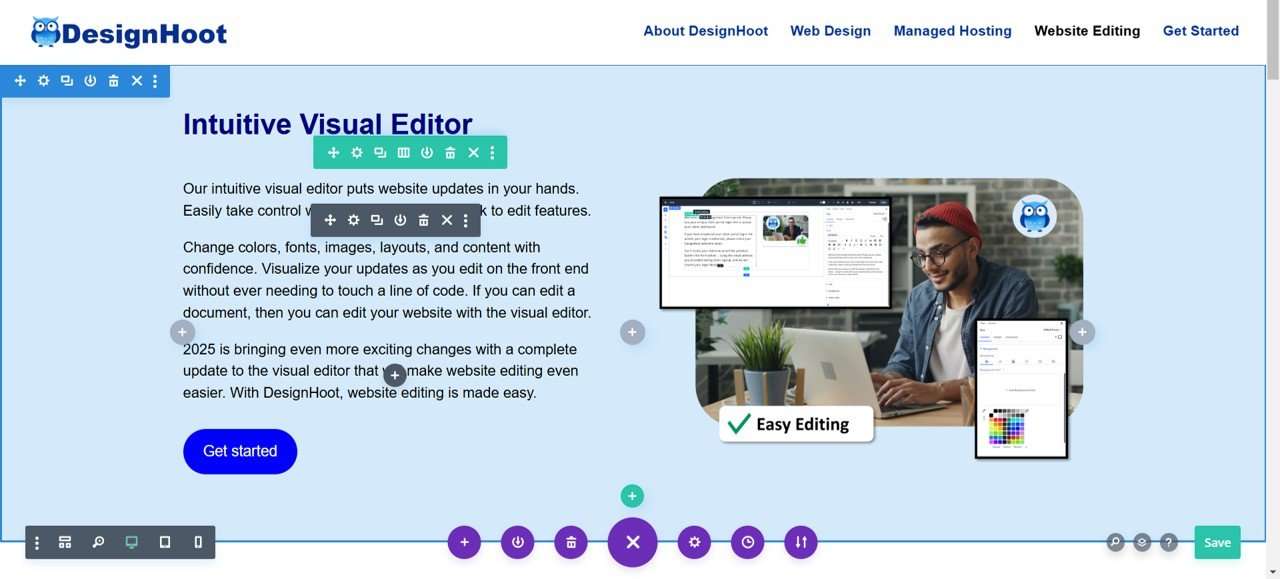
Edit Text with Ease
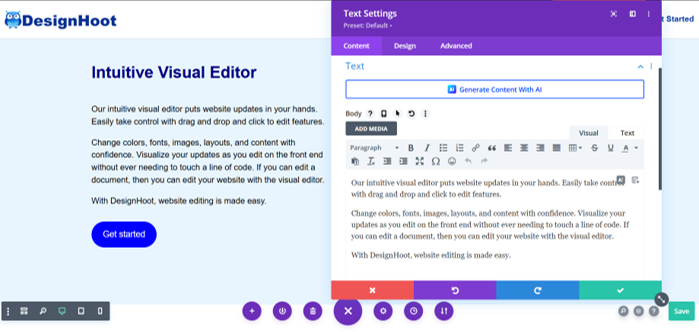
Rewrite copy, delete text, or add entire new text blocks with ease. The in-module text editor is smilar to editing Microsoft Word or Google Docs. It’s that easy.

Update Images on the Fly
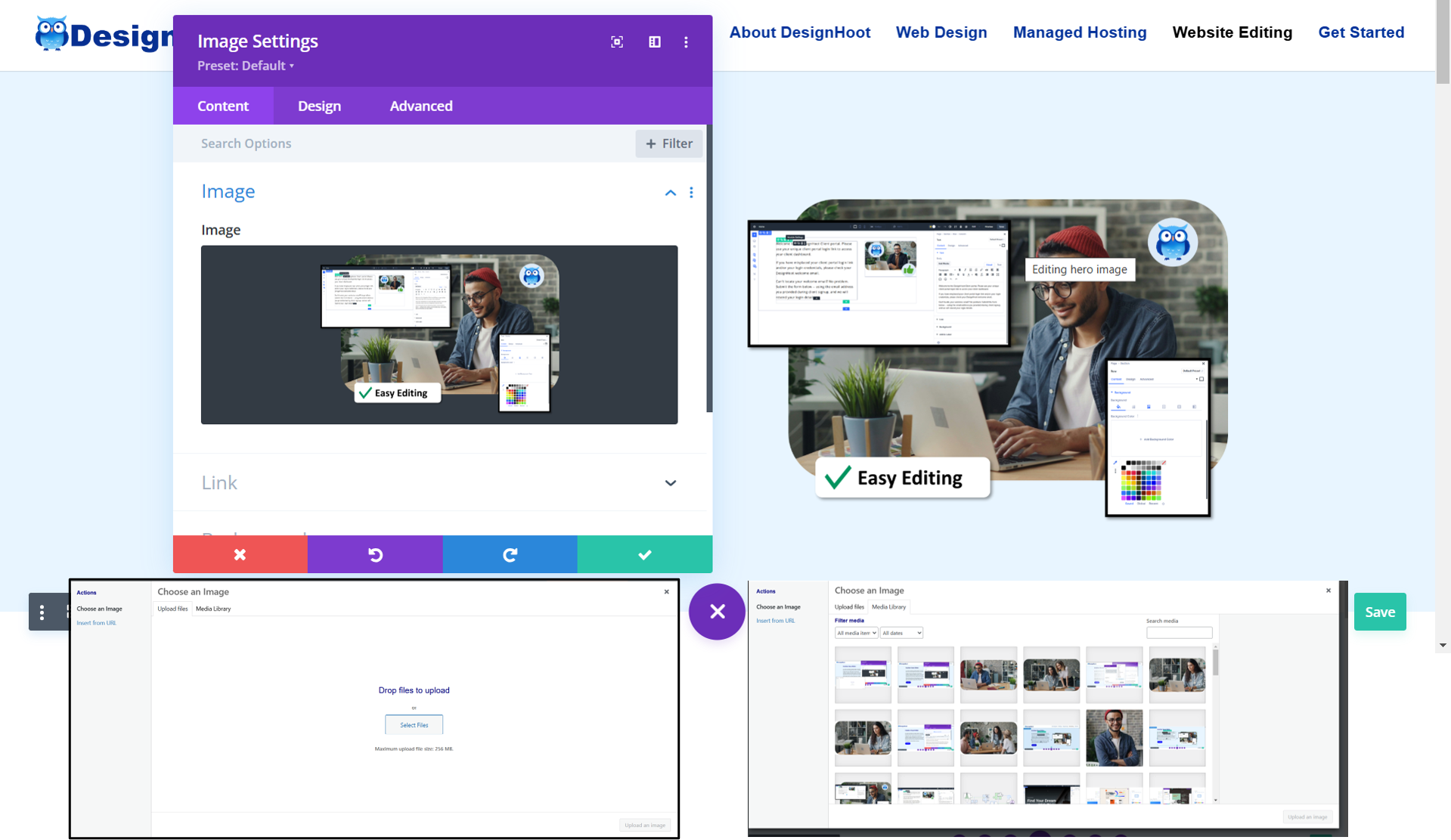
Swap out images to keep your website visuals fresh. Add new images when you hire staff or introduce new products or services. Upload or choose images you’ve saved to your media library.

Change Colors
Change colors for backgrounds, text, or buttons. Choose from a color palette library. Use a color slider or color picker to have complete control over color variations.

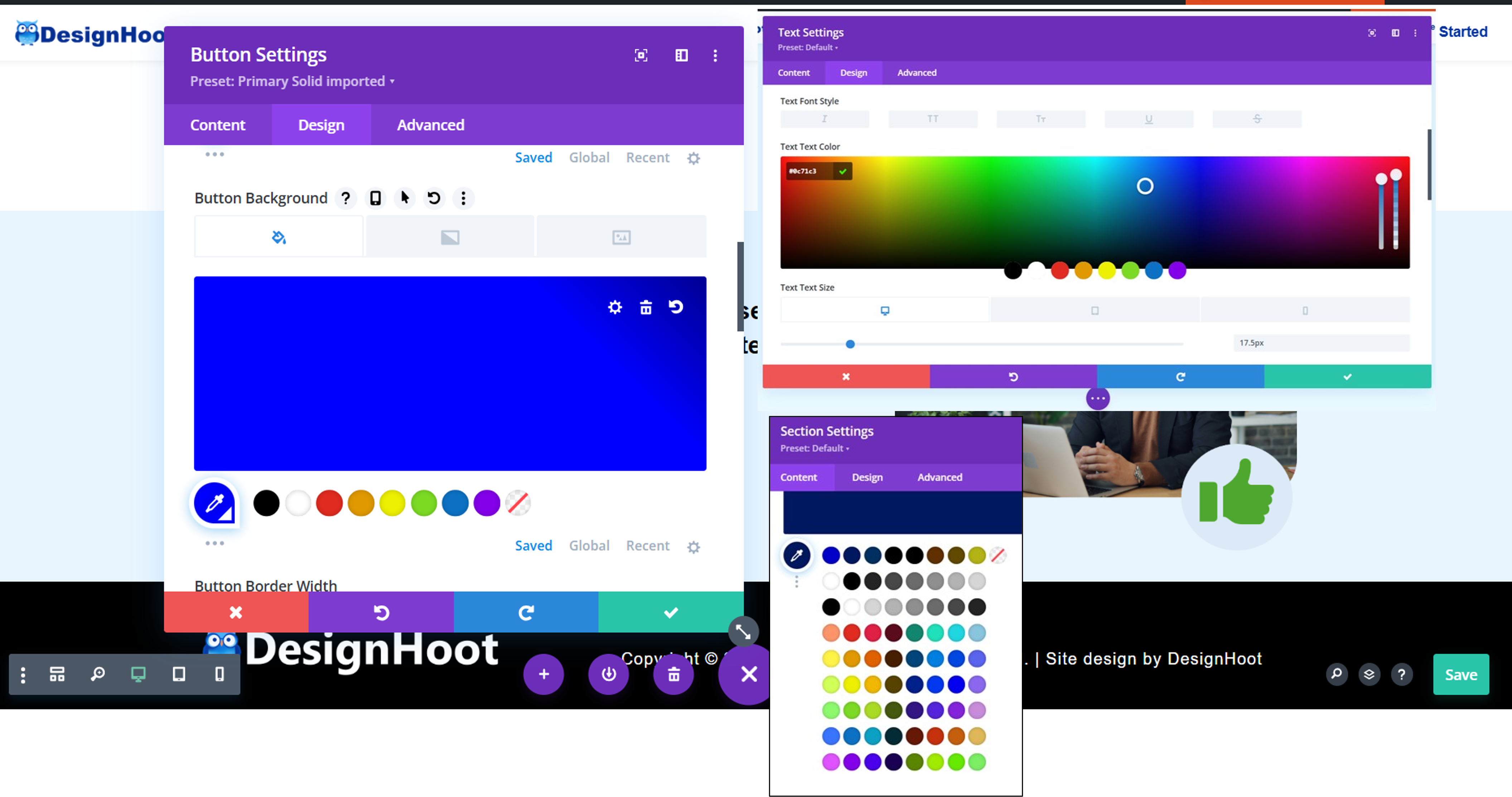
Edit Sections, Layouts, or Buttons
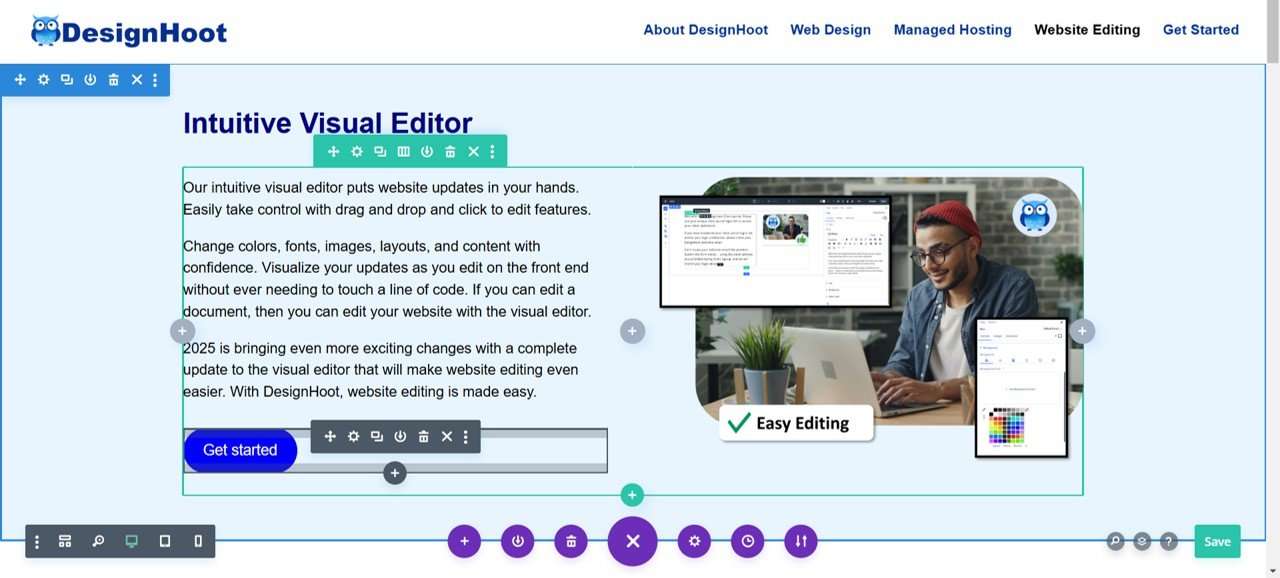
Edit sections on a page, choose a different layout, or change buttons. All with just a few clicks.

Easy Website Edits In Your Hands


Copyright © 2026 DesignHoot. All rights reserved. | Site design by DesignHoot